Pæan Note Setup Guide
Get started with your Pæan Note × Wing Chun Limited Edition

First-Time Setup
Power On Your Card
Long press the round button for 3 seconds to power on. The LED will flash to indicate it's ready.
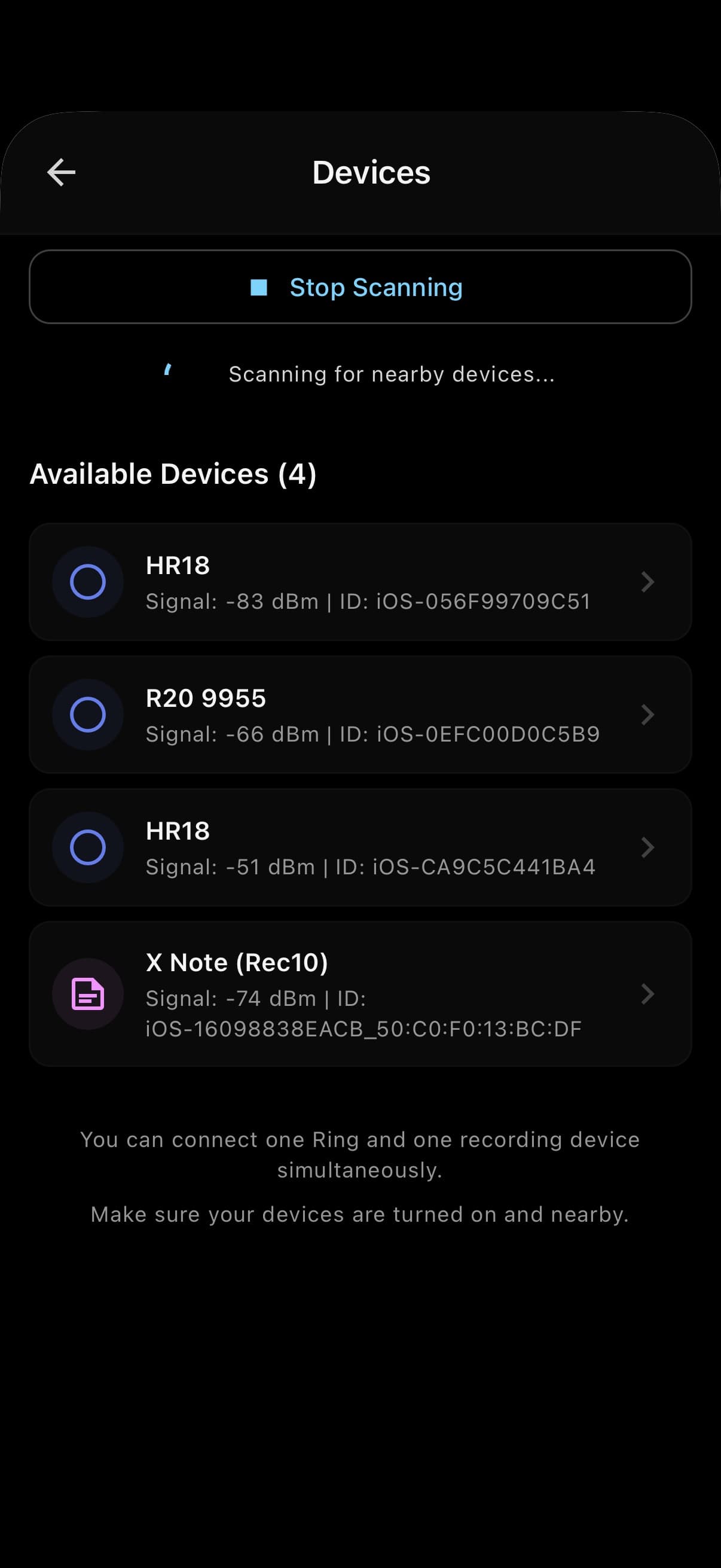
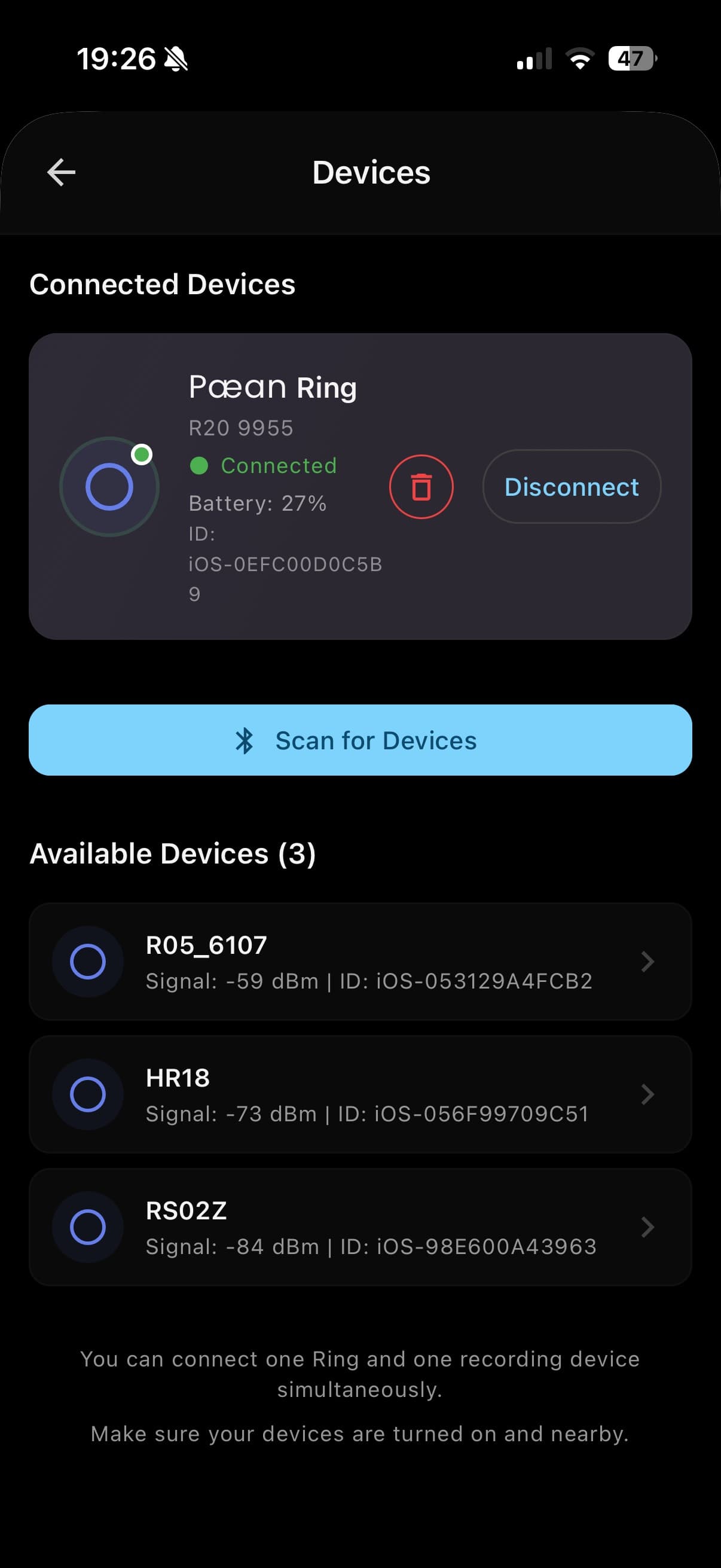
Connect via Bluetooth
- 1Download the "Moments" app (iOS/Android)
- 2Open the app and tap "Add Device"
- 3Search for nearby Bluetooth devices and select your card
Cloud Features
To use cloud transcription and AI analysis features:
- Register an account in the Moments app
- Cloud transcription is available once logged in
Pro Membership Benefits
Offline hardware purchase includes 3 months of FREE Pro membership:
Unlimited AI transcription
Priority cloud processing
Advanced AI insights
Cloud Workbench
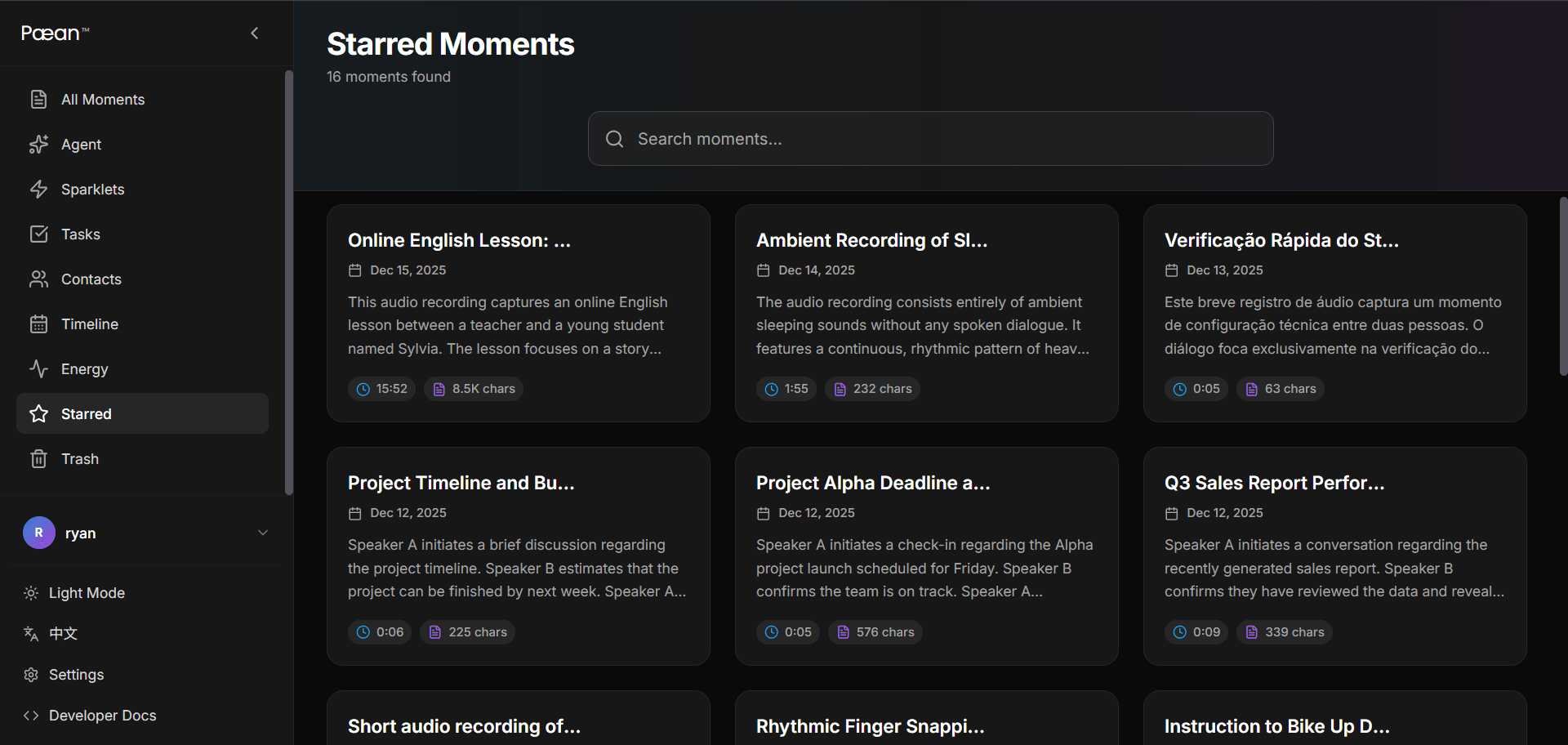
After registration, access your cloud workbench to view and manage your data:
Visit Cloud Workbenchm.paean.aiManage recordings, view transcripts, export data, and more from any browser.
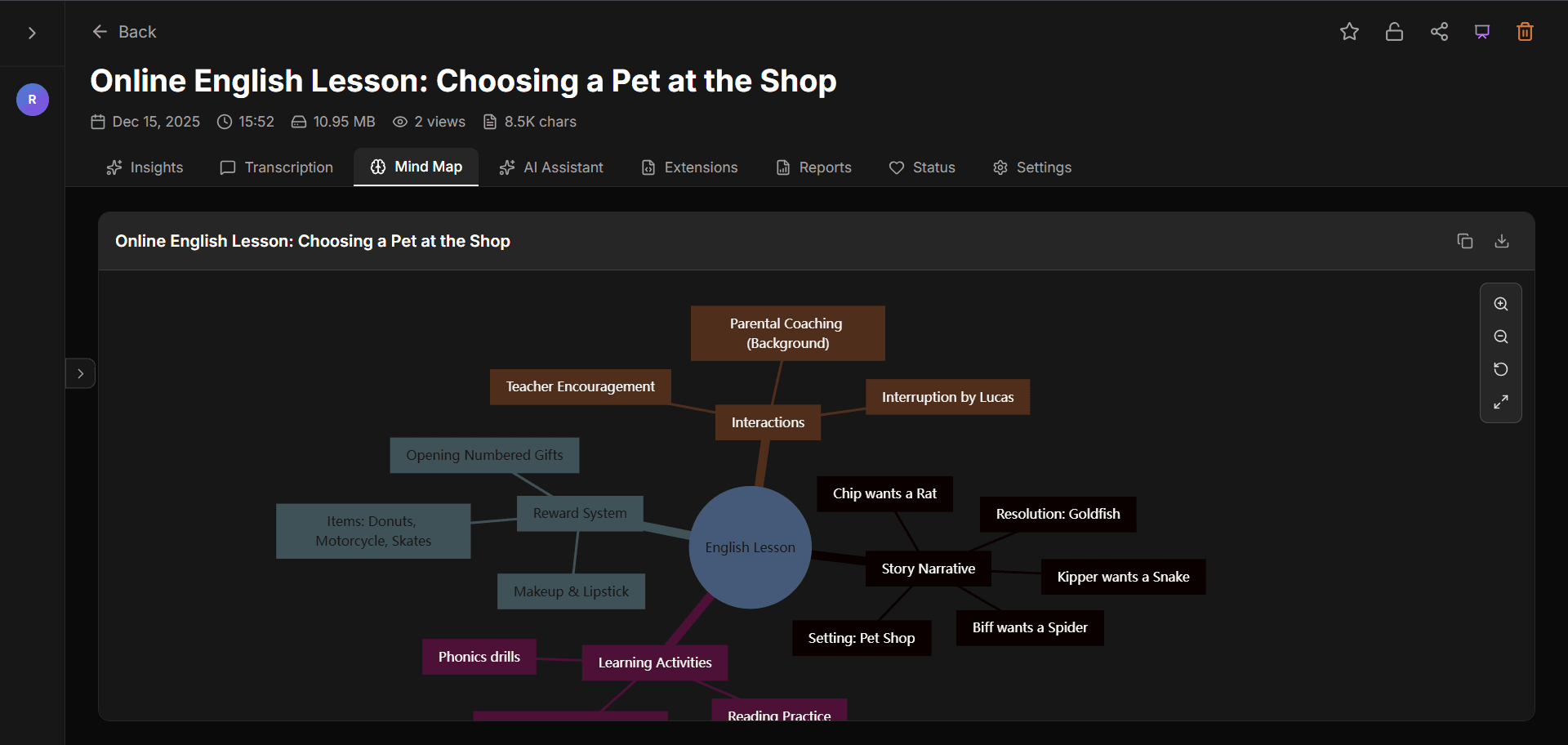
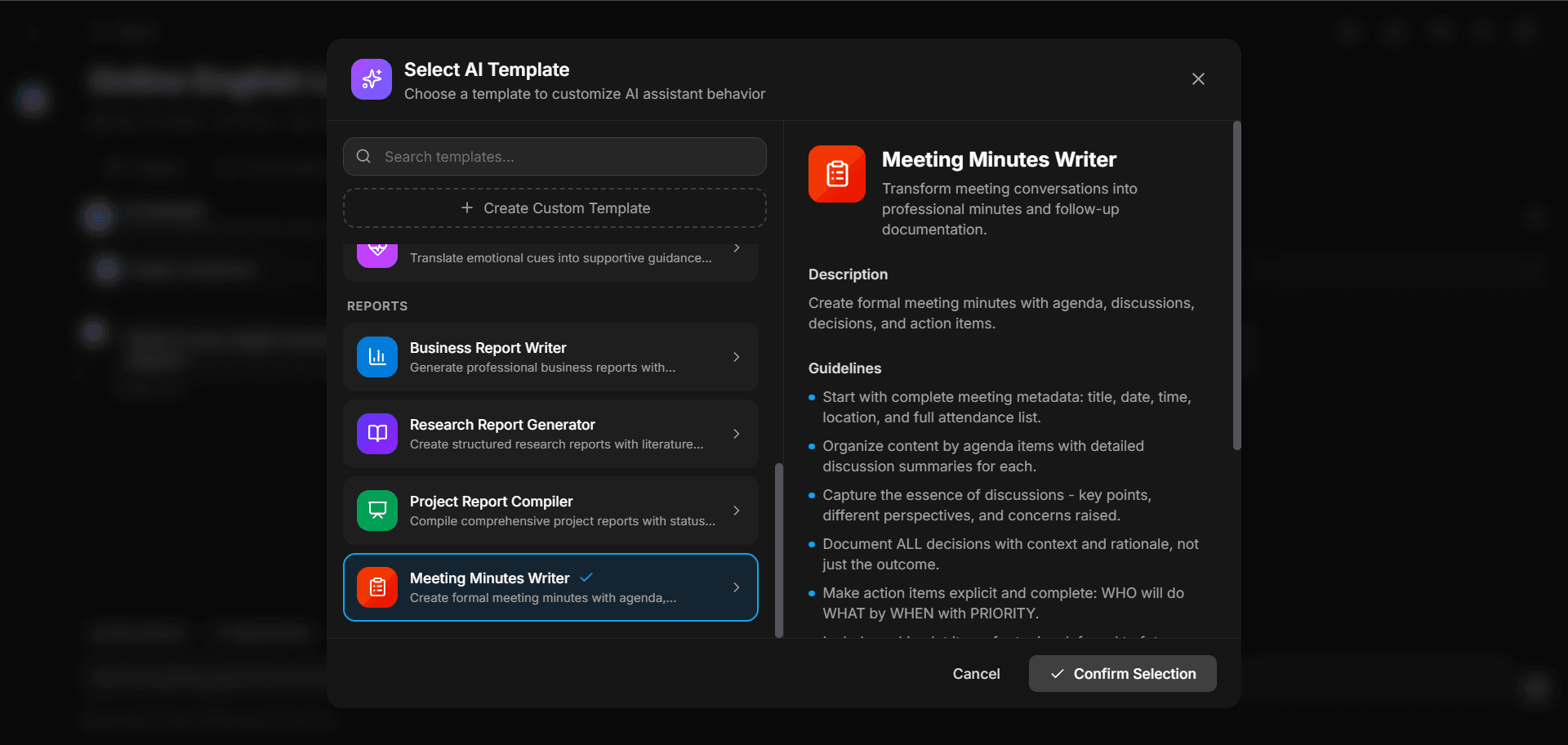
Pæan Note App Preview
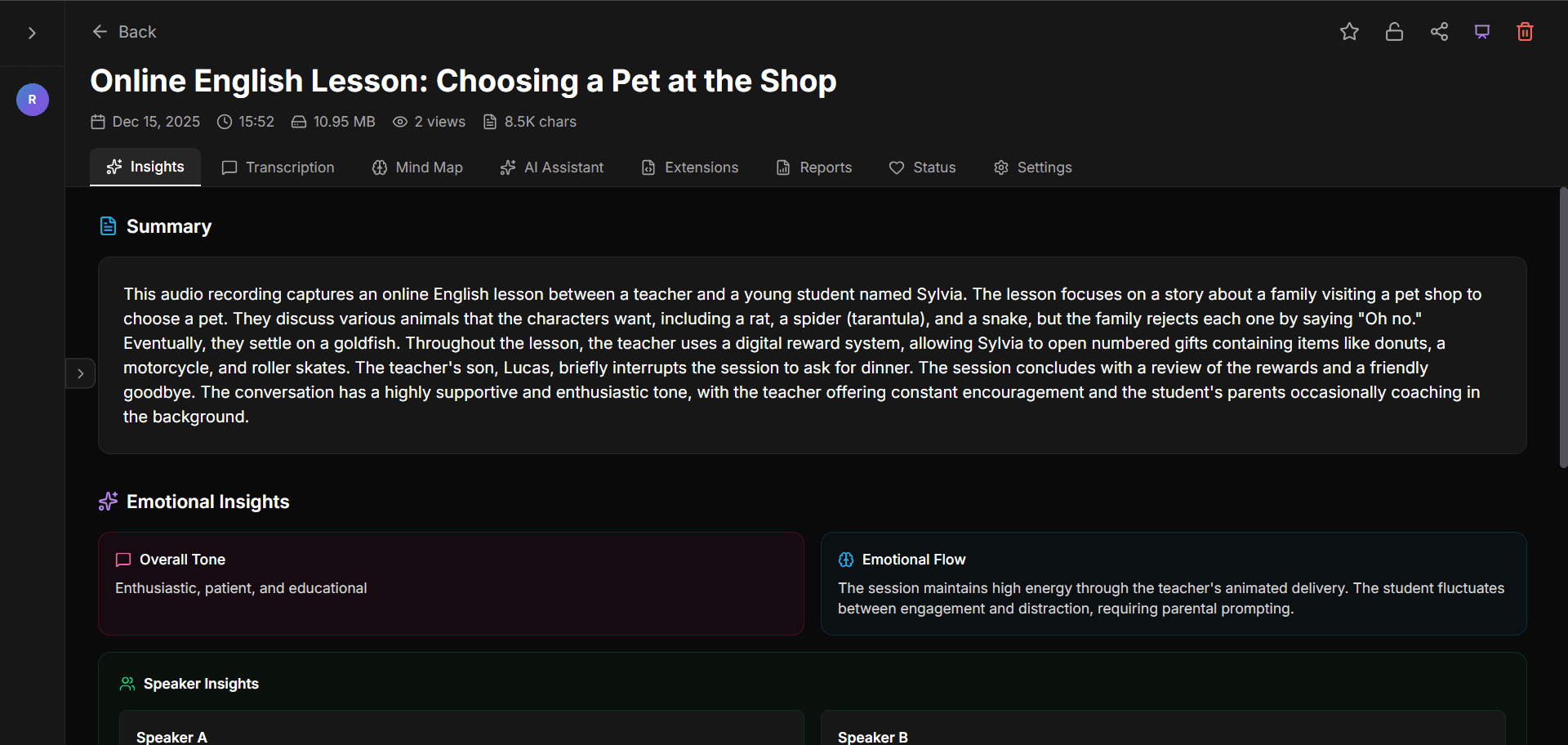
Discover the AI-powered companion app
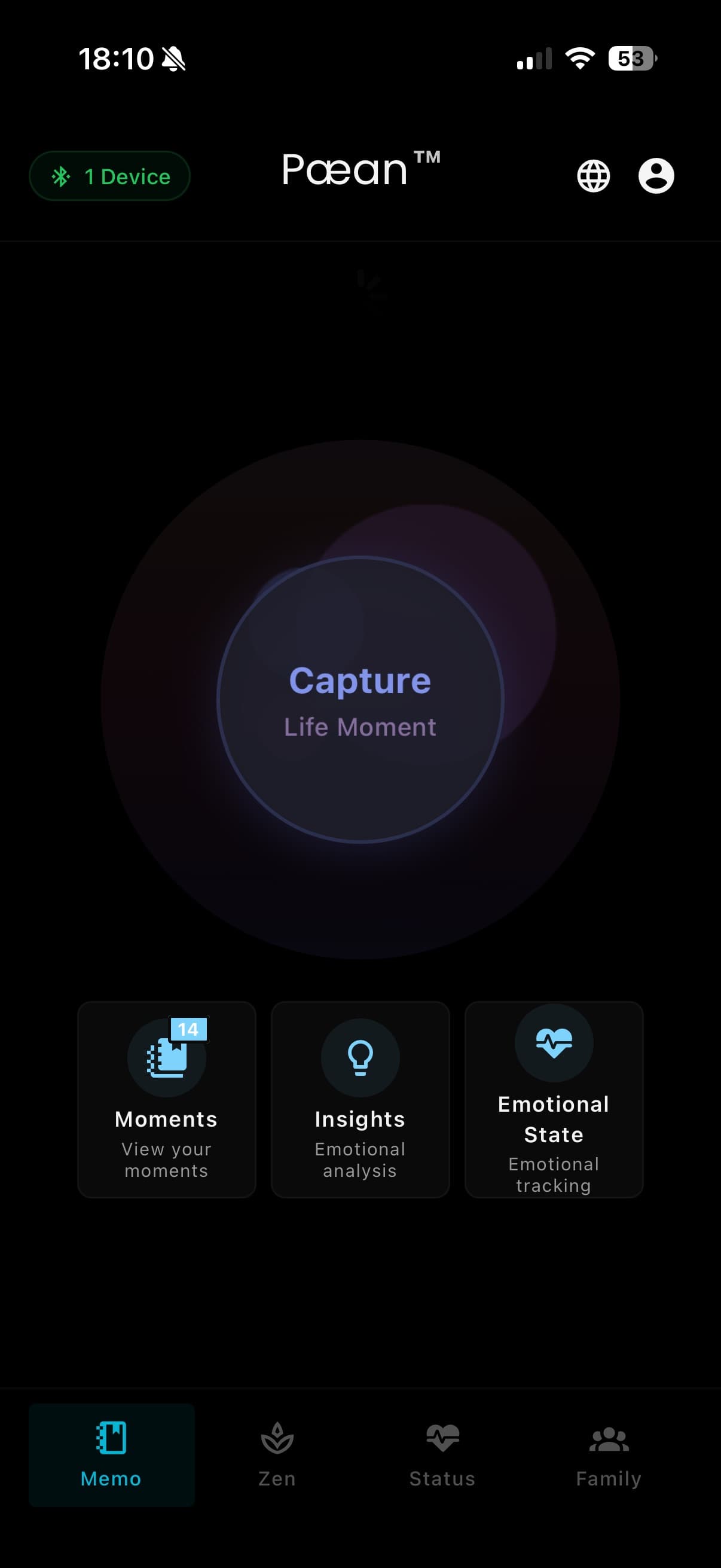
Memo Library(1/8)